AI Outfit Changer
Ghost Mannequin and On-Model Outfit Ideas
Explore how clothing references can be used to create an image of an outfit on a person.
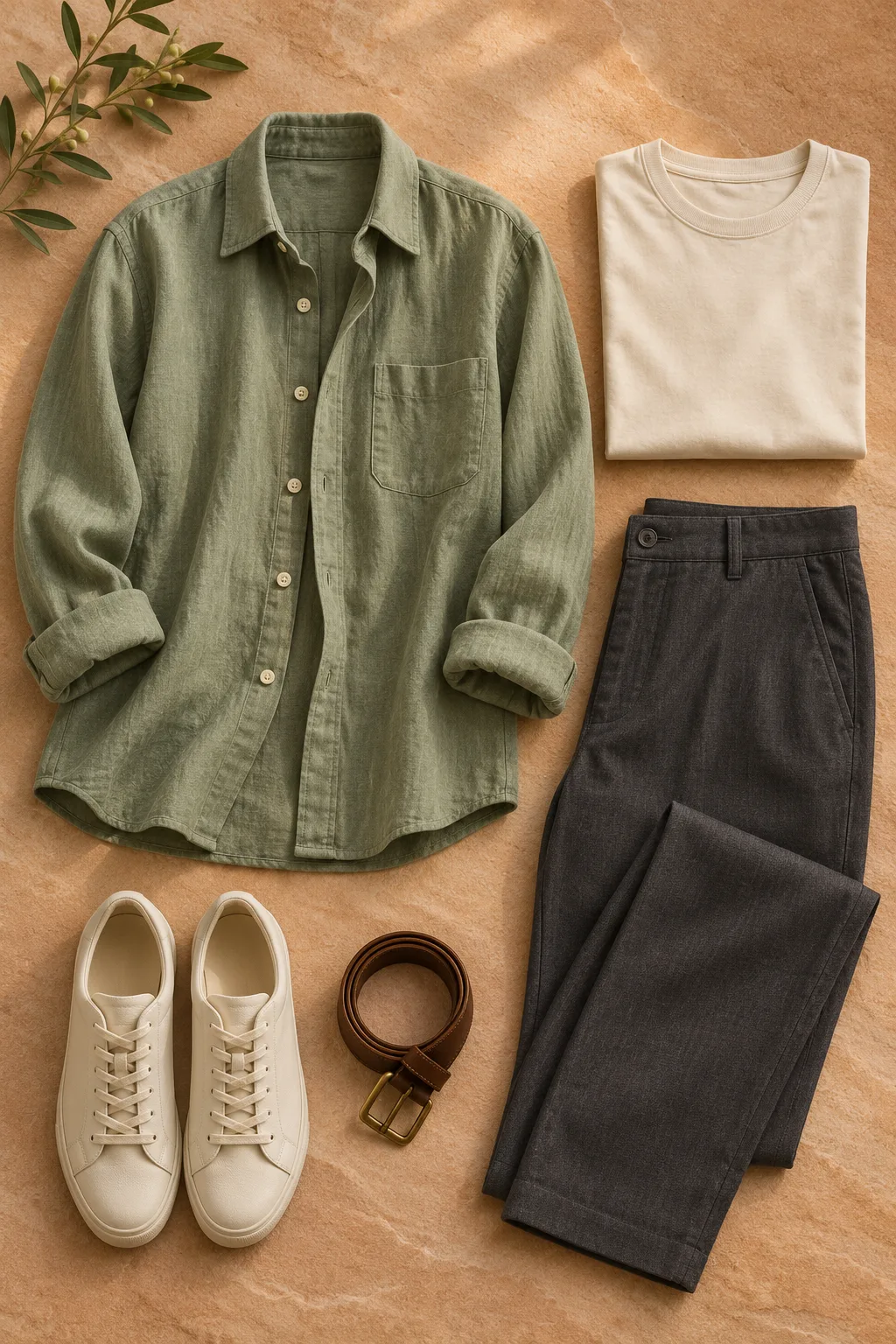
A model image is a different result
Traditional ghost mannequin editing removes a mannequin while keeping a three-dimensional garment shape. An AI on-model image instead depicts a person wearing a generated interpretation of the garment.
Review before publishing
Check the output against the actual product: colours, labels, construction and small details can change. Use images you have permission to upload.
Prepare a garment reference
A front-facing, unobstructed flat lay or hanger photo can make the shape easier to see. Keep the actual product photographs available so details can be checked against them.
The idea in pictures
From a garment to a styled look
Move the slider to explore the change, then see the person and clothing reference side by side.
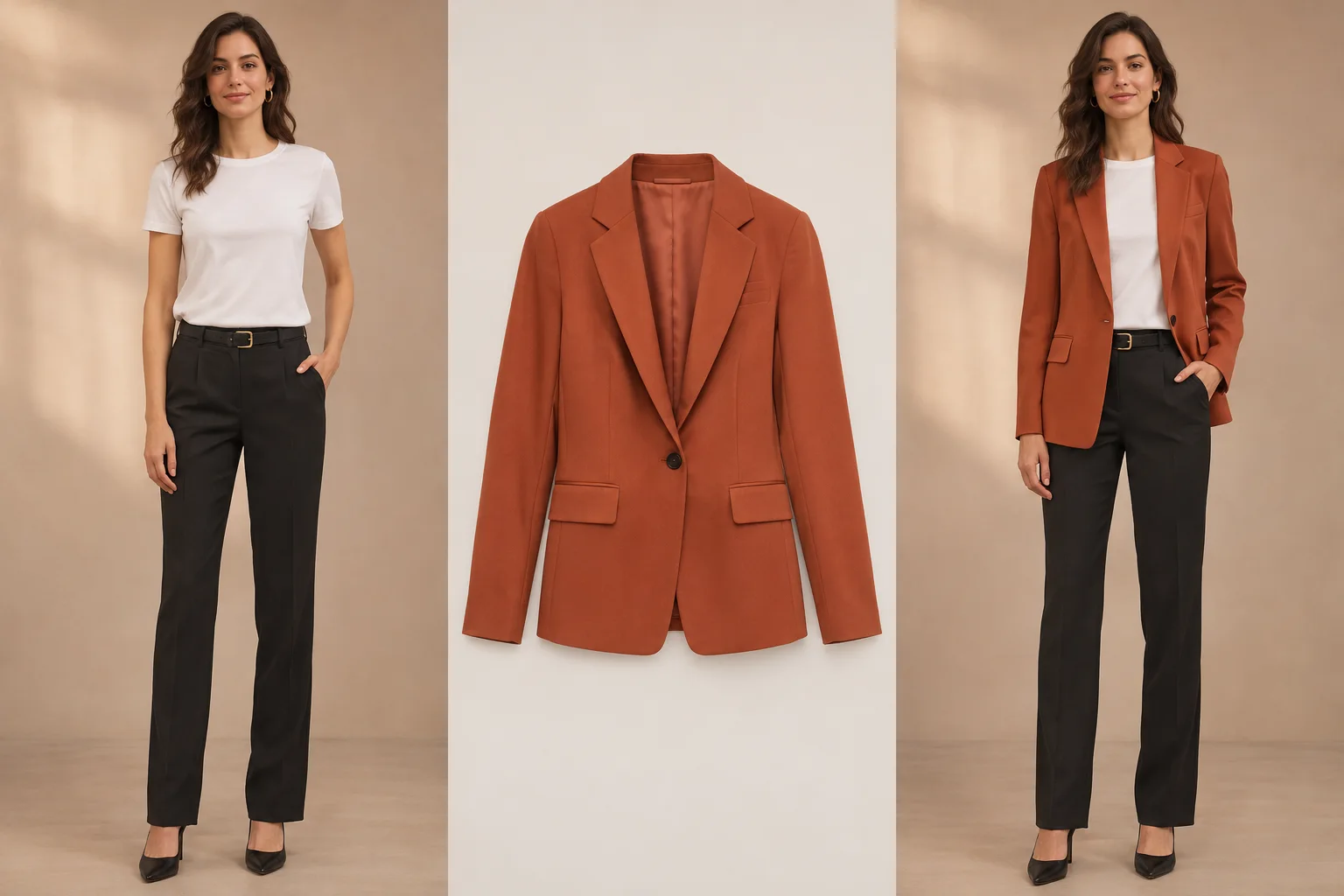
Original AI-created concept illustration, not an output from this site. Results vary and do not indicate size or fit.
A blazer in a neighborhood boutique
Move the slider to explore the change, then see the person and clothing reference side by side.
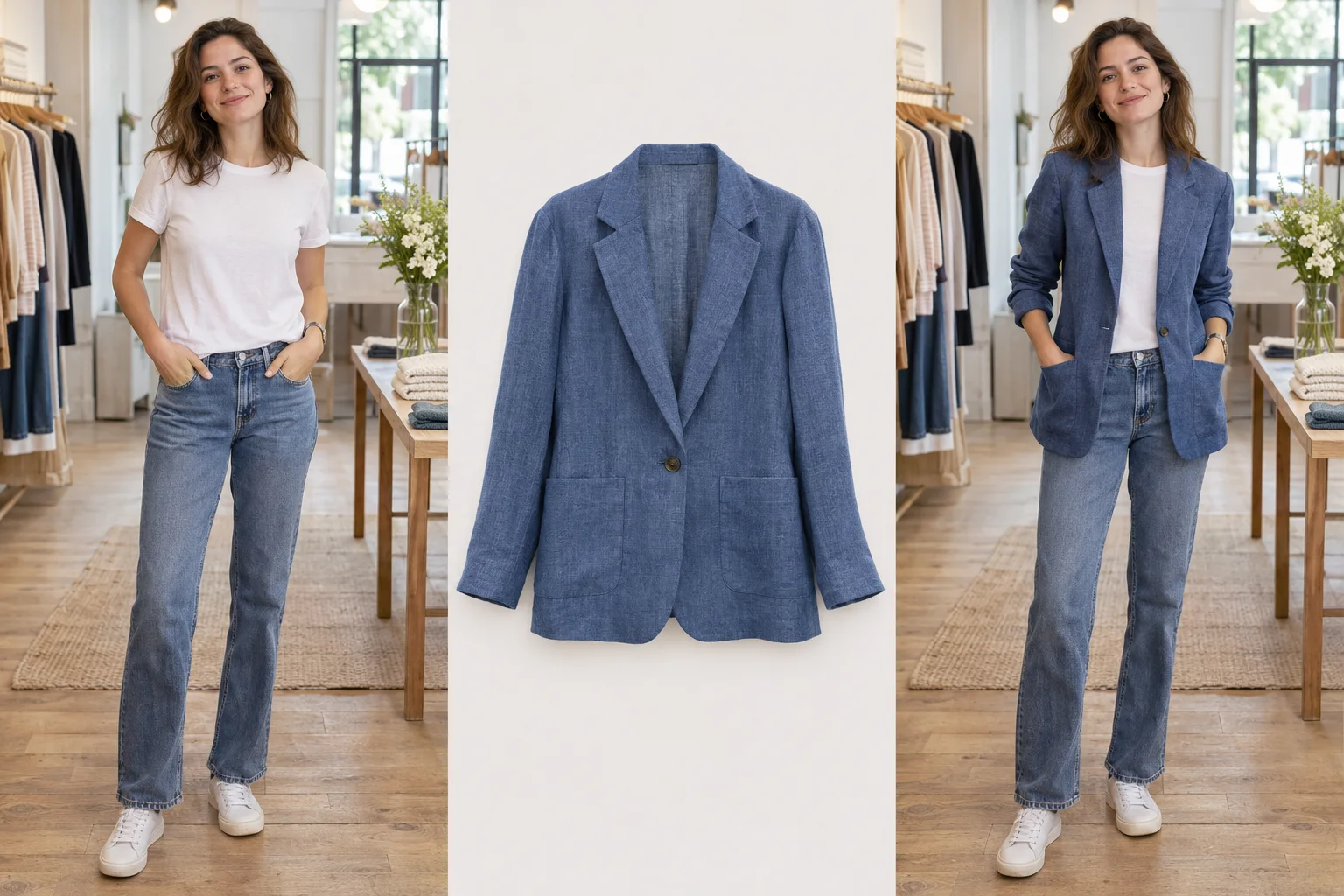
Original AI-created concept illustration, not an output from this site. Results vary and do not indicate size or fit.
An overshirt in a familiar setting
Move the slider to explore the change, then see the person and clothing reference side by side.
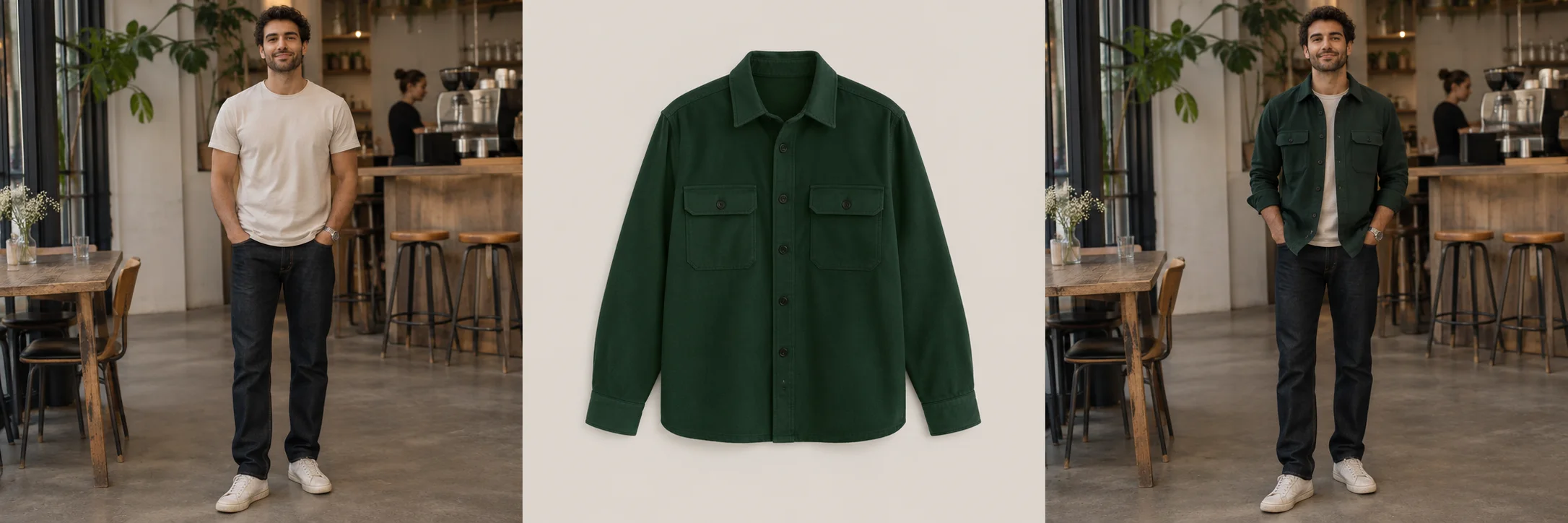
Original AI-created concept illustration, not an output from this site. Results vary and do not indicate size or fit.
Questions and answers
Does this remove a mannequin from a photograph?
No. The planned outfit tool is intended for on-person visual previews, not invisible-mannequin editing.
Is the generated garment guaranteed to match the product?
No. Colours, fastenings, seams, logos and textures can differ from the real garment; check the actual item before publishing.
Is bulk generation available?
No. Public generation and bulk processing are not currently available.