AI Outfit Changer
AI Try On Clothes — Preview the Look Before You Order
Explore how a garment and your existing wardrobe might look together before ordering.
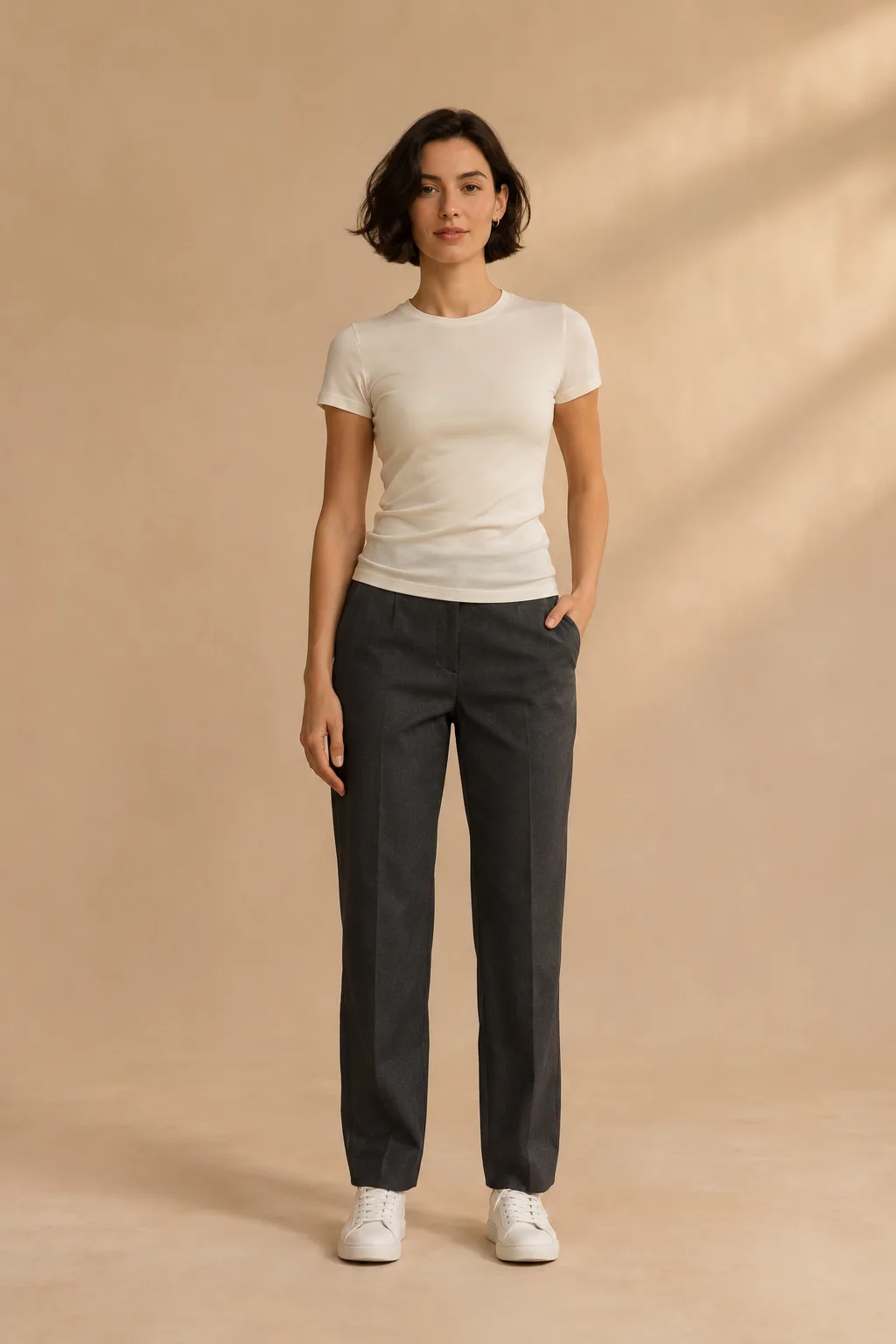
From a product image to a visual idea
A clear person photo and a separate garment reference can give an image model a starting point for a try-on preview.
What a preview cannot tell you
A generated image cannot establish your size, comfort or how a fabric will actually drape. Check the retailer’s size chart and product details.
Prepare useful reference images
Choose a well-lit full- or three-quarter-body photo with the outfit area visible. For each garment, a clear flat lay, hanger photo or product image can communicate its shape and colour.
The idea in pictures
Picture a coat before you buy
Move the slider to explore the change, then see the person and clothing reference side by side.
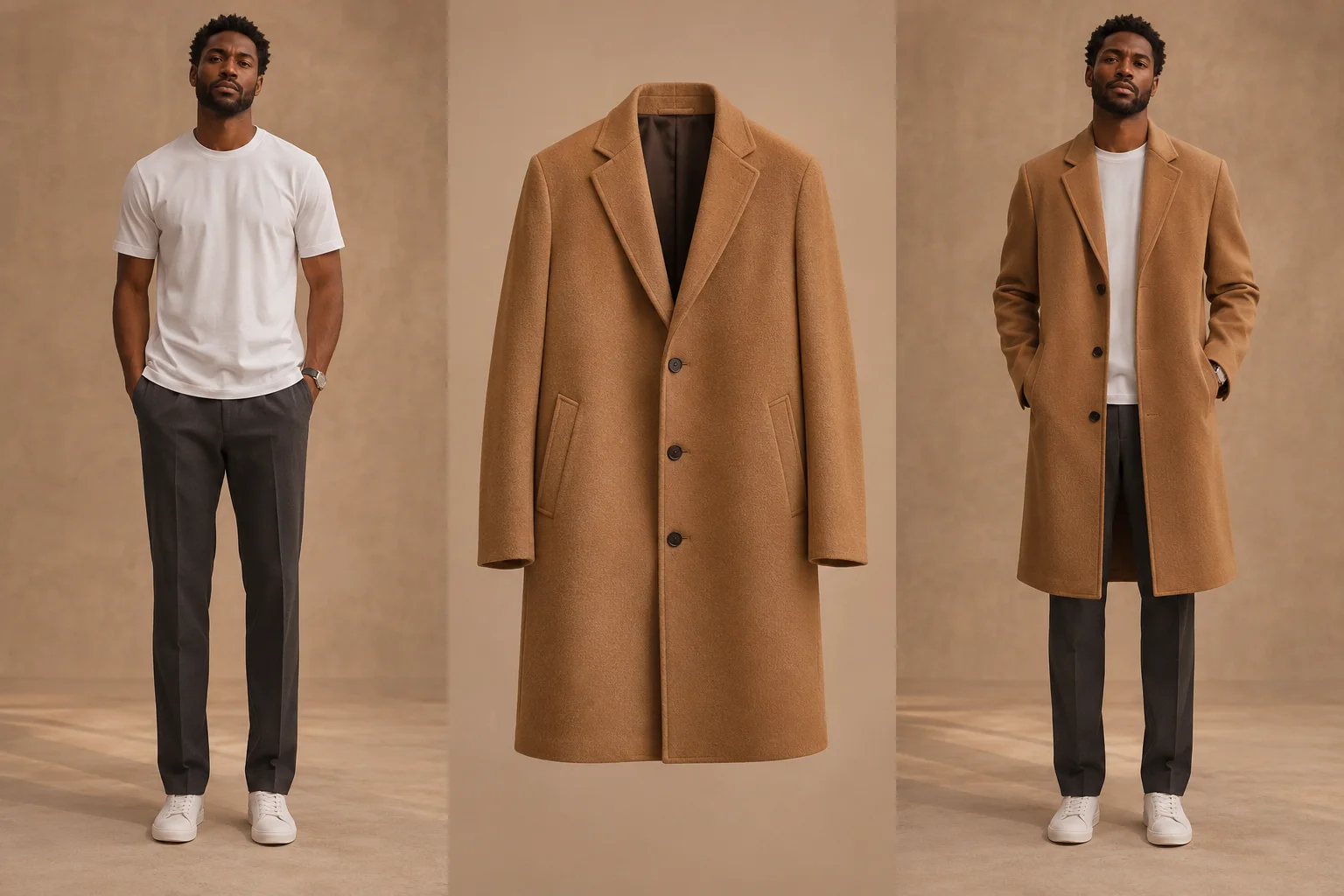
Original AI-created concept illustration, not an output from this site. Results vary and do not indicate size or fit.
A trench coat for the everyday
Move the slider to explore the change, then see the person and clothing reference side by side.
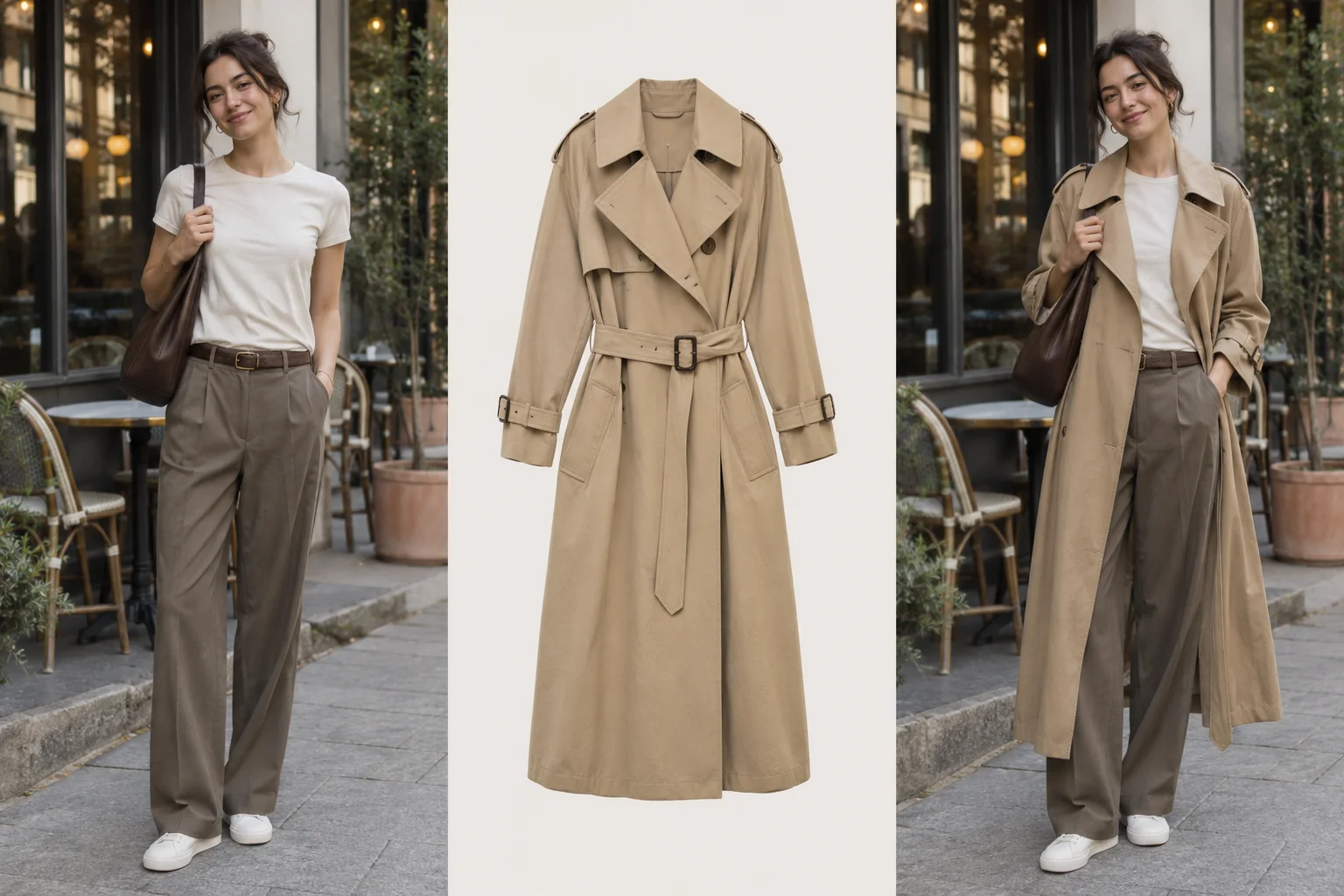
Original AI-created concept illustration, not an output from this site. Results vary and do not indicate size or fit.
A warm knit by the window
Move the slider to explore the change, then see the person and clothing reference side by side.
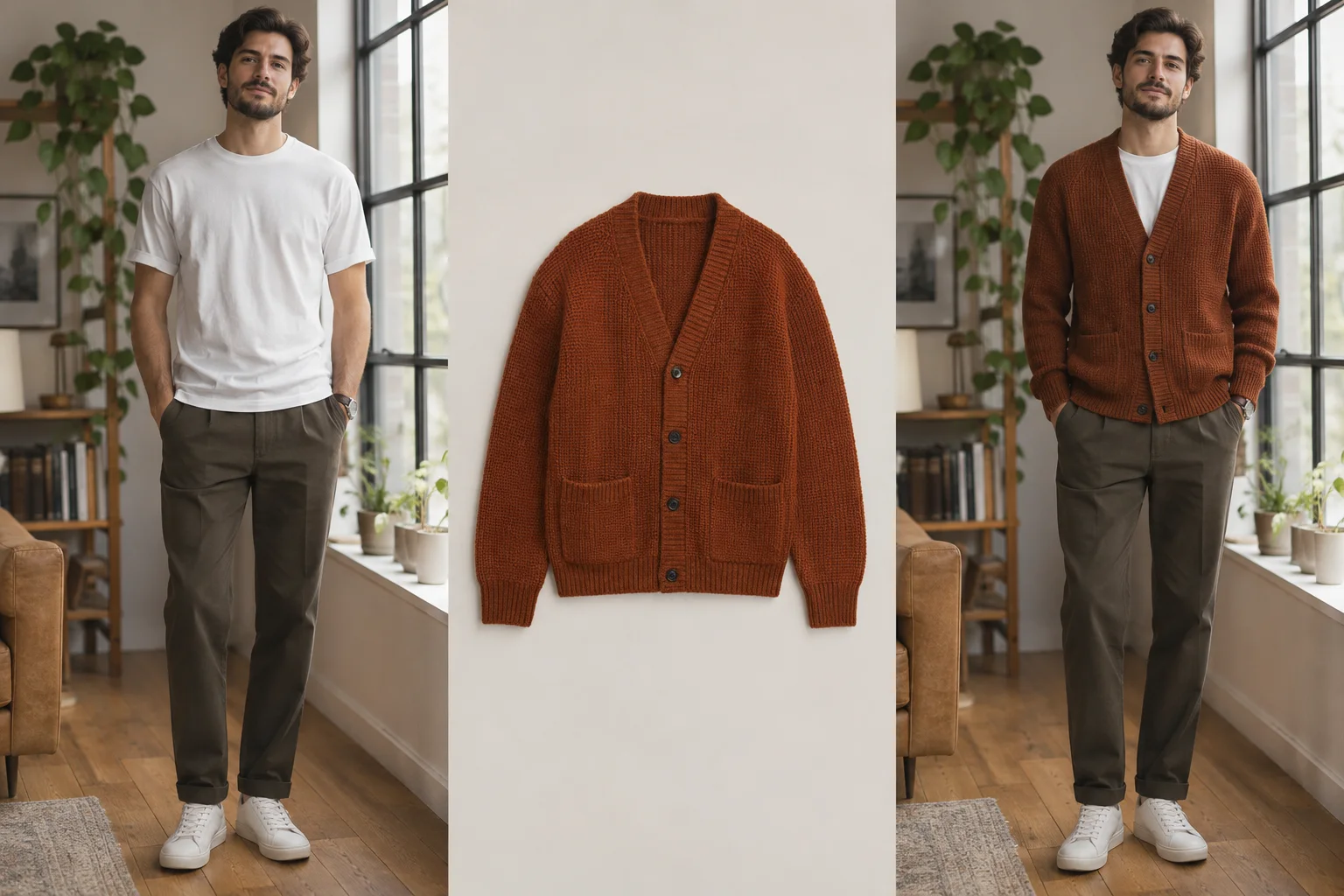
Original AI-created concept illustration, not an output from this site. Results vary and do not indicate size or fit.
Questions and answers
Will the preview match every garment detail?
Not necessarily. Colour, texture, logos and small details may differ in an AI-generated image.
Can it recommend a size?
No. A visual preview is not a sizing tool.
Can references come from different stores?
The workbench accepts separate clothing images; only use pictures you have the right to submit. Public generation is not available yet.
Can a preview show fabric stretch or comfort?
No. An image cannot establish how a garment feels, stretches or fits in real life.