AI Outfit Changer
For Sellers — Explore On-Model Listing Images
Turn garment references into ideas for showing a coordinated look on a person.
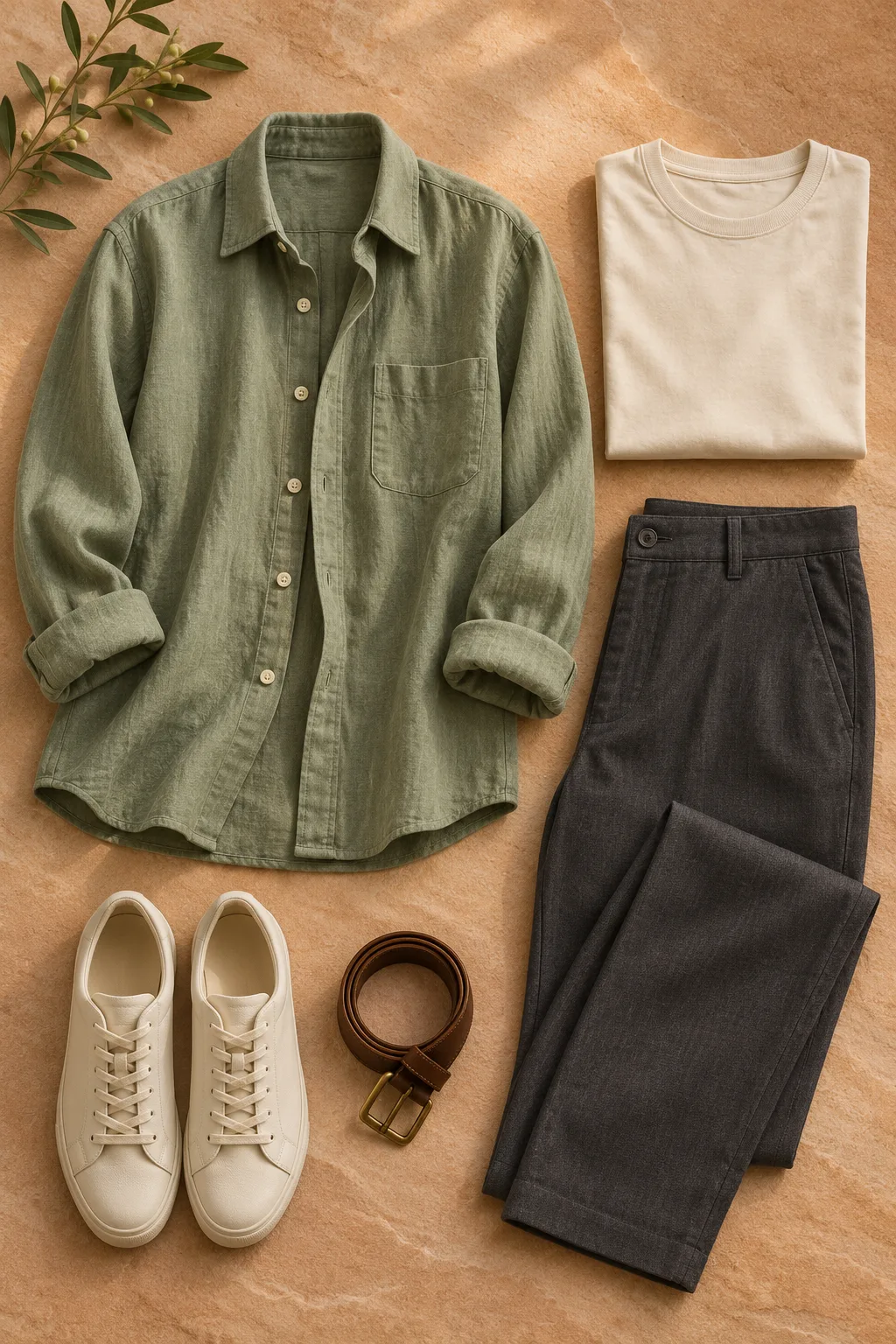
Prepare useful references
Use well-lit garment images and a person photo you have permission to use. Clear, unobstructed images make the intended items easier to identify.
Check the details before listing
AI outputs can change product colours, logos, prints and construction. Compare every image against the actual product and follow marketplace disclosure rules.
Plan a consistent set of references
For a coordinated set or a catalogue, organize clear images of each garment and a person photo you are licensed to use. A consistent source can support comparisons, but generated faces and details can still vary.
The idea in pictures
From a garment to a styled look
Move the slider to explore the change, then see the person and clothing reference side by side.
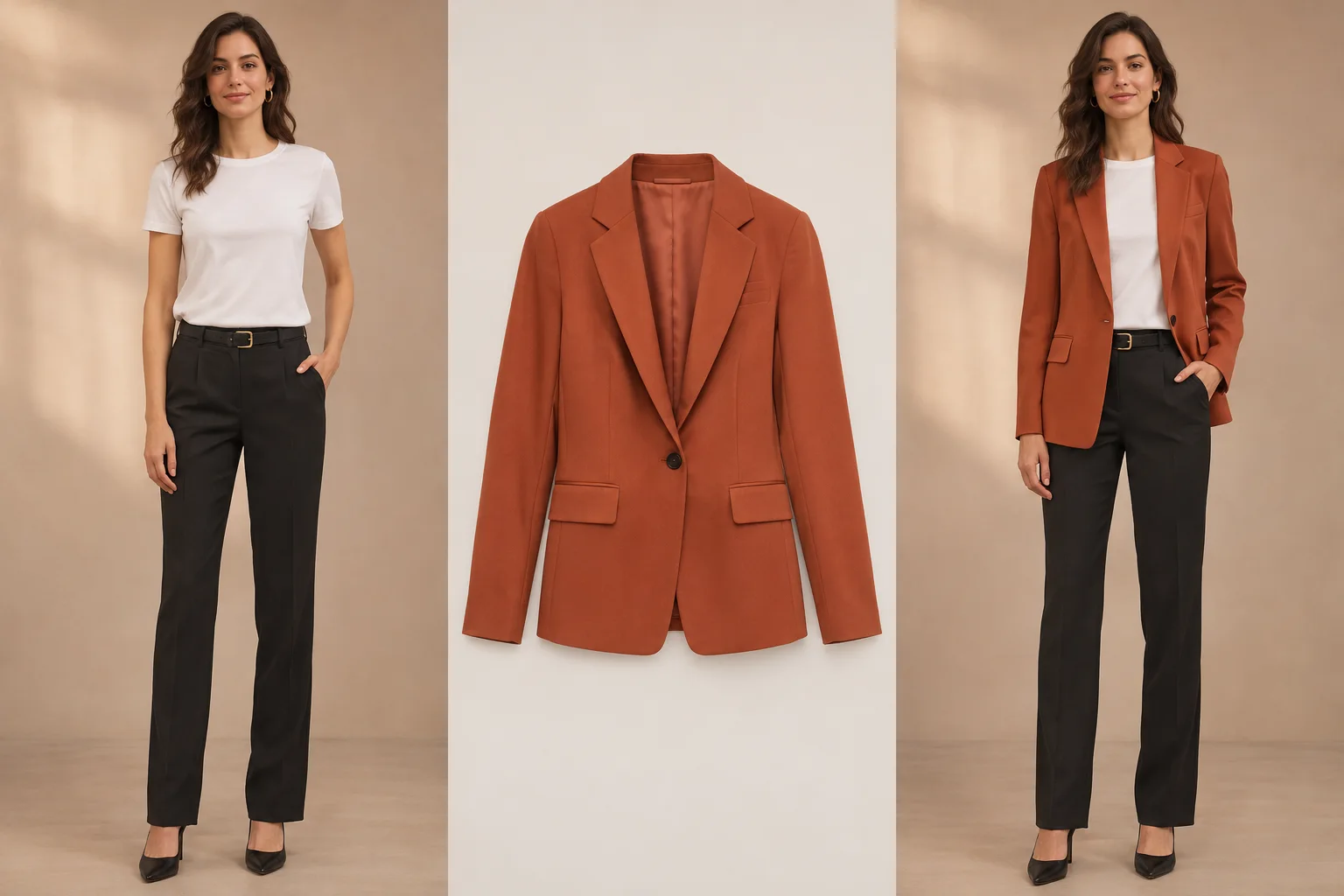
Original AI-created concept illustration, not an output from this site. Results vary and do not indicate size or fit.
A blazer in a neighborhood boutique
Move the slider to explore the change, then see the person and clothing reference side by side.
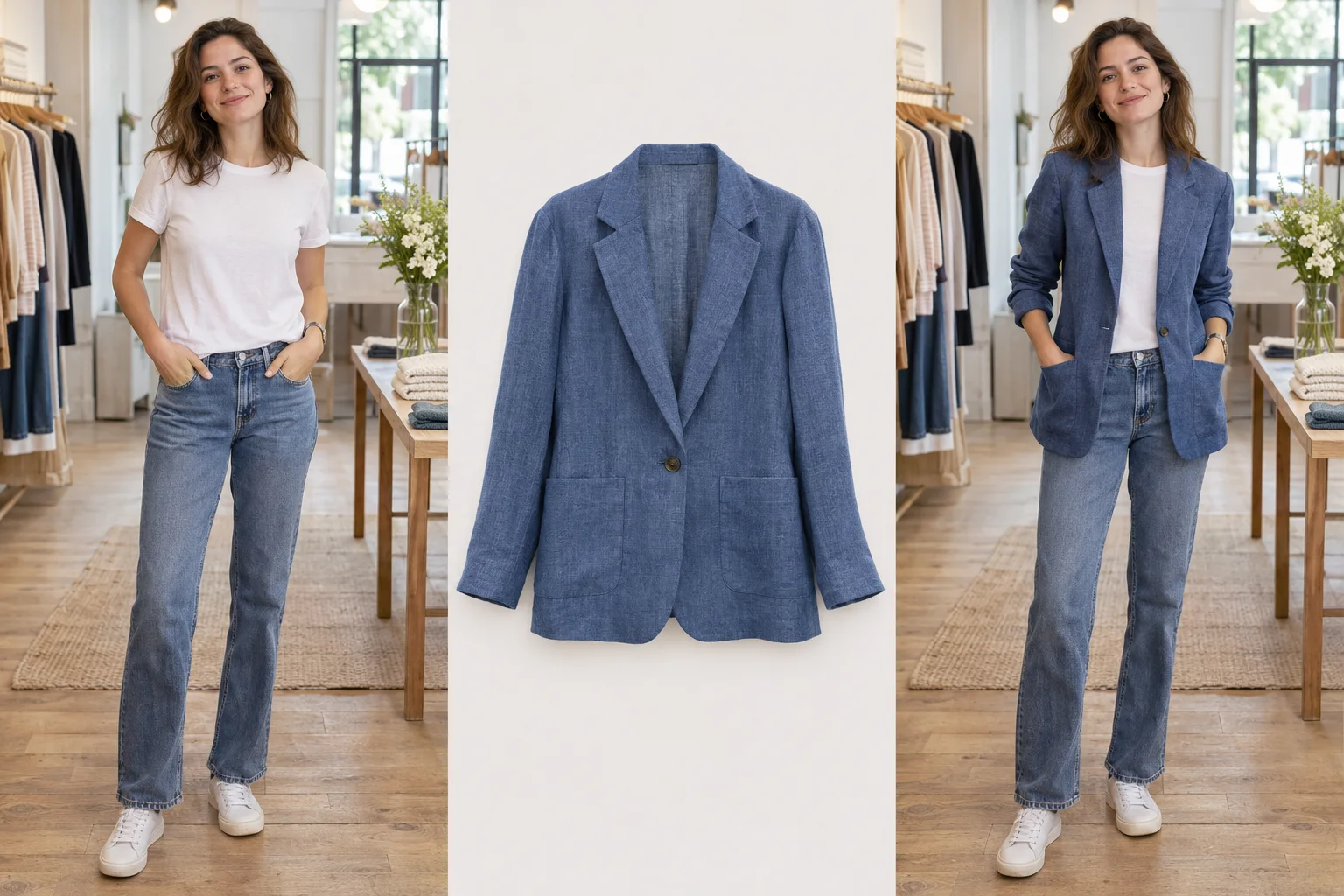
Original AI-created concept illustration, not an output from this site. Results vary and do not indicate size or fit.
An overshirt in a familiar setting
Move the slider to explore the change, then see the person and clothing reference side by side.
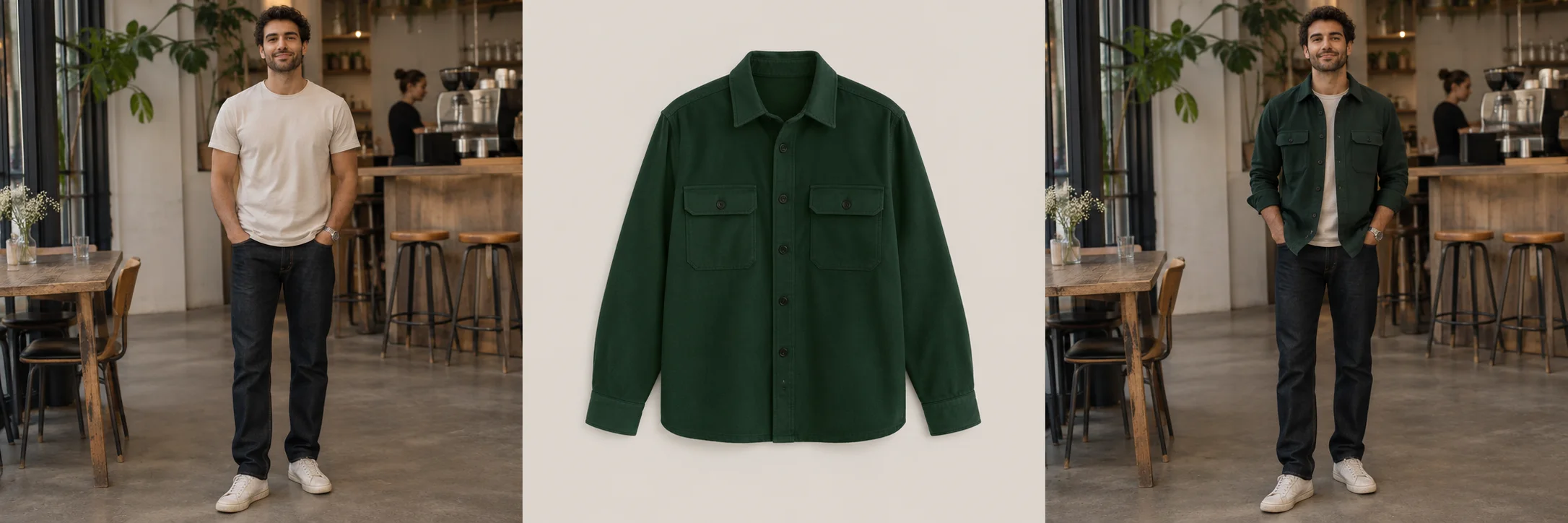
Original AI-created concept illustration, not an output from this site. Results vary and do not indicate size or fit.
Questions and answers
Is bulk generation available?
Bulk generation is not currently available.
Can I rely on a generated image for exact product details?
No. Check each output against the actual product, including colour, prints, closures and construction, before using it in a listing.
What does generation cost?
The service is not open to the public and outfit-generation prices have not been published.